الإشعارات والتعاون
ابقَ على اطلاع وراسل زملاءك في محادثات مباشرة أو جماعية.
Notifications tell you when something needs you — an approval, a mention, an escalation. Collaboration is the built-in messenger for direct and group conversations with colleagues.
- Where
- Bell and speech-bubble icons in the header; Collaboration in the sidebar
Read notifications
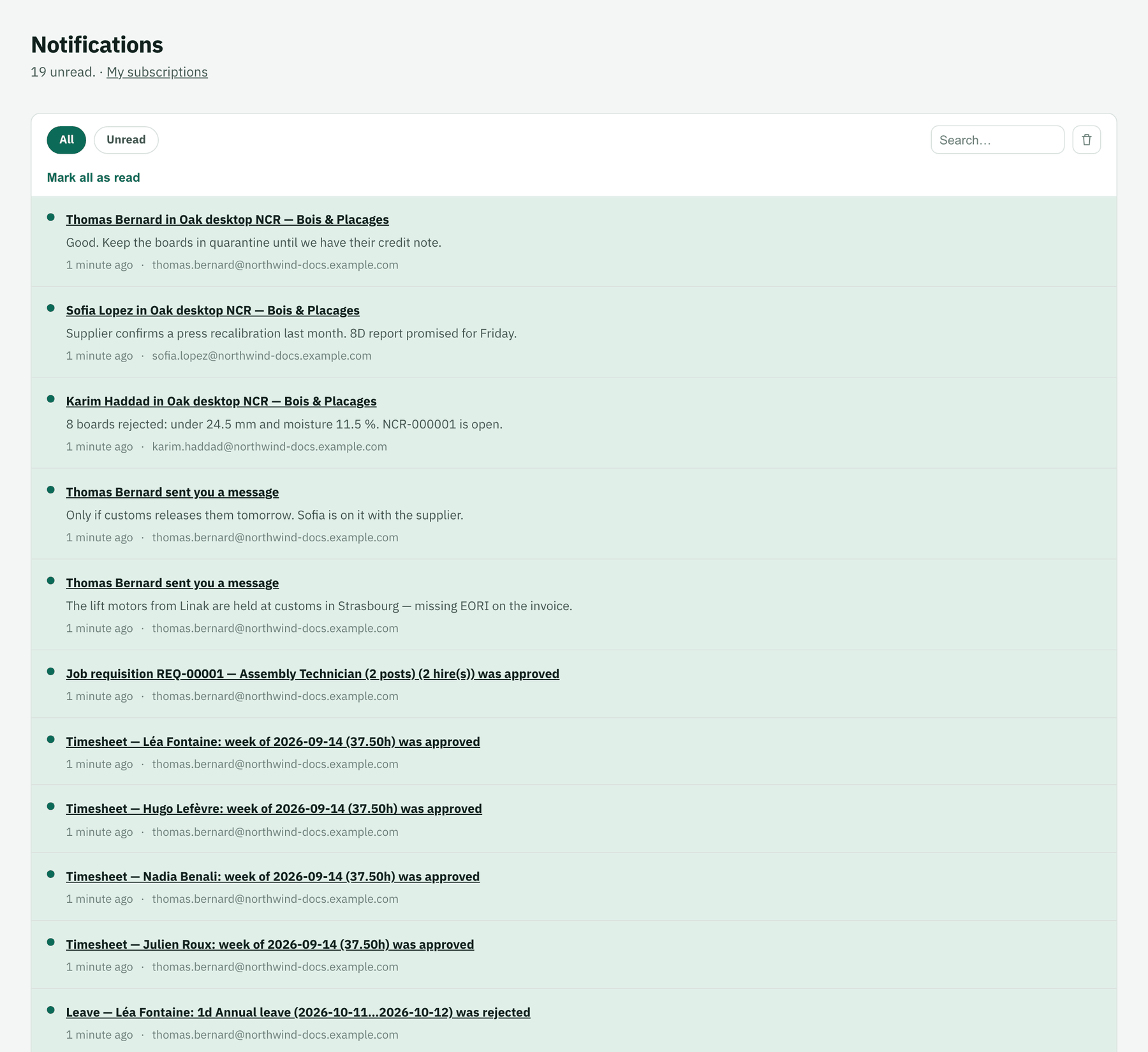
The bell opens the latest notifications; the full list marks what's unread. Click one to open the record it's about. My subscriptions chooses which events notify you.
Start a conversation
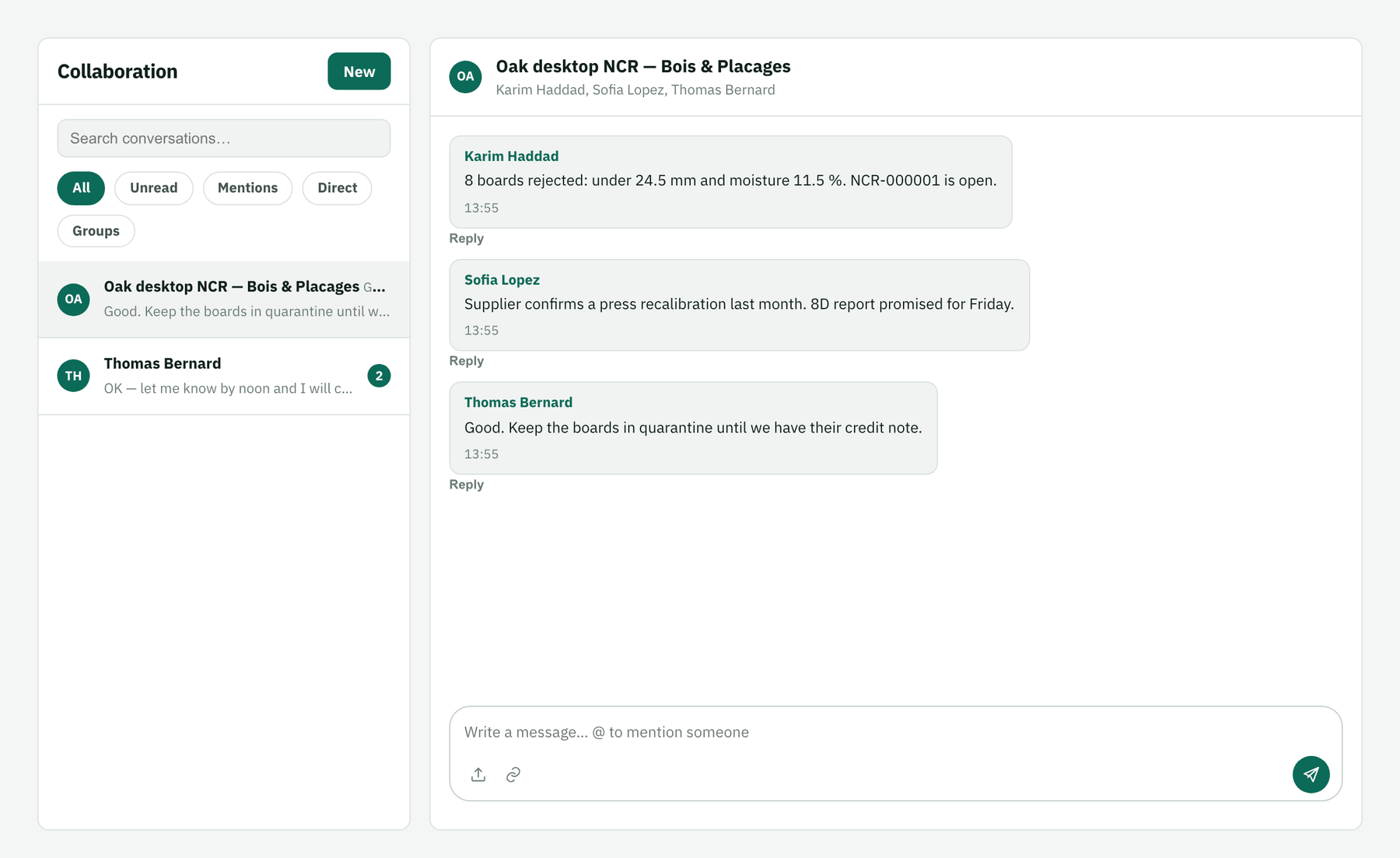
In Collaboration click New, pick one colleague for a direct chat or several for a group, and give the group a title.
Write, mention, attach
Type
@to mention someone (they're notified), reply to a specific message, attach a file or link a record. Filters show unread, mentions, direct or group conversations.