الإجازة
اطلب إجازة، واحصل على اعتمادها، وحافظ على صحة الأرصدة.
Employees request leave, managers approve it through the Approvals inbox, and the balance and the team calendar update automatically.
- Where
- HR › Leave › Request leave
- Statuses
- Draft → Submitted → Approved / Rejected (→ cancelled)
Request the leave
Choose the employee (yourself, or someone in your team), the leave type, start and end dates — tick half day at the start or end if needed — and a reason. Working days are counted automatically, weekends excluded.
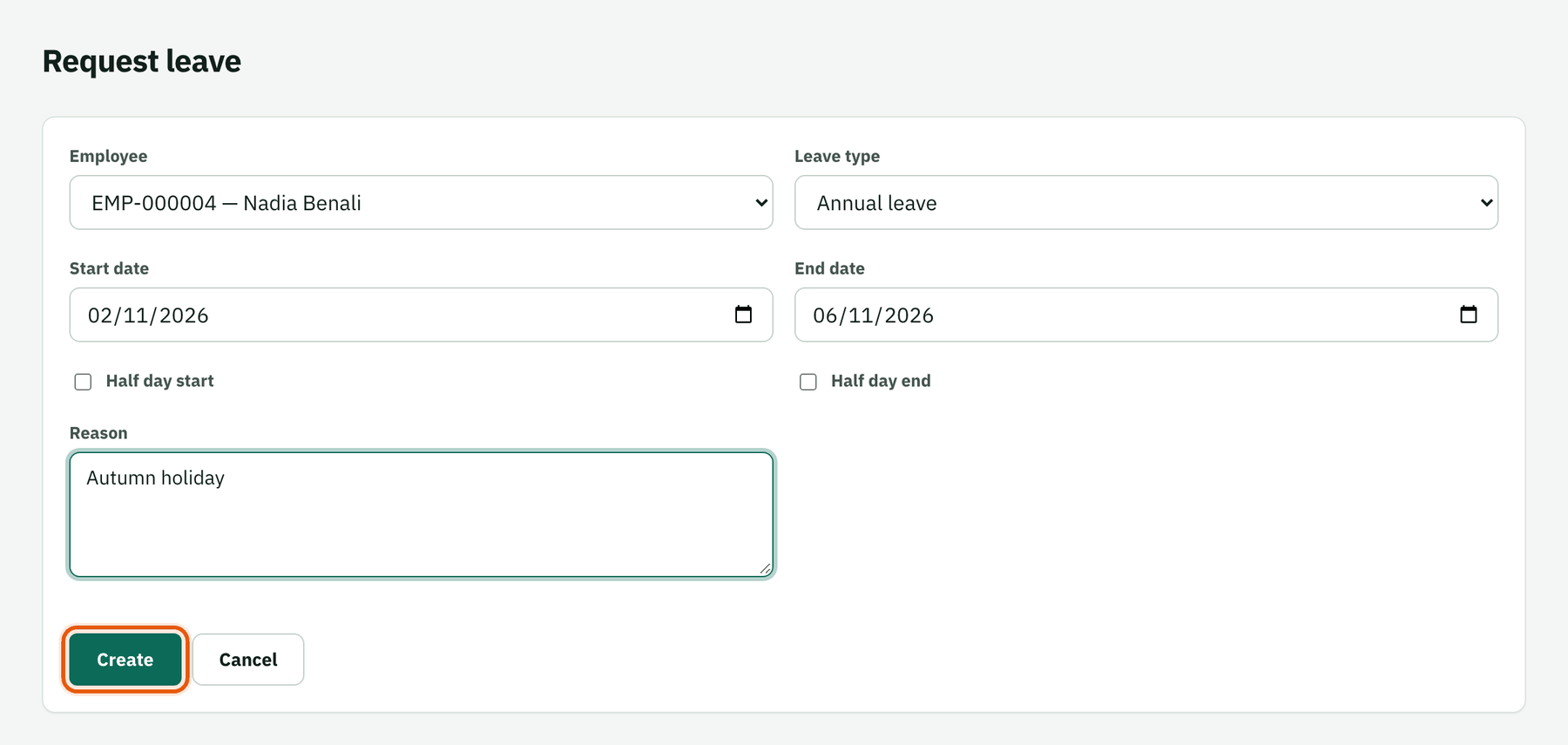
Submit
Submitting checks overlaps with other requests and the remaining balance, then sends it for approval. It appears in the approver's inbox and on the HR overview.
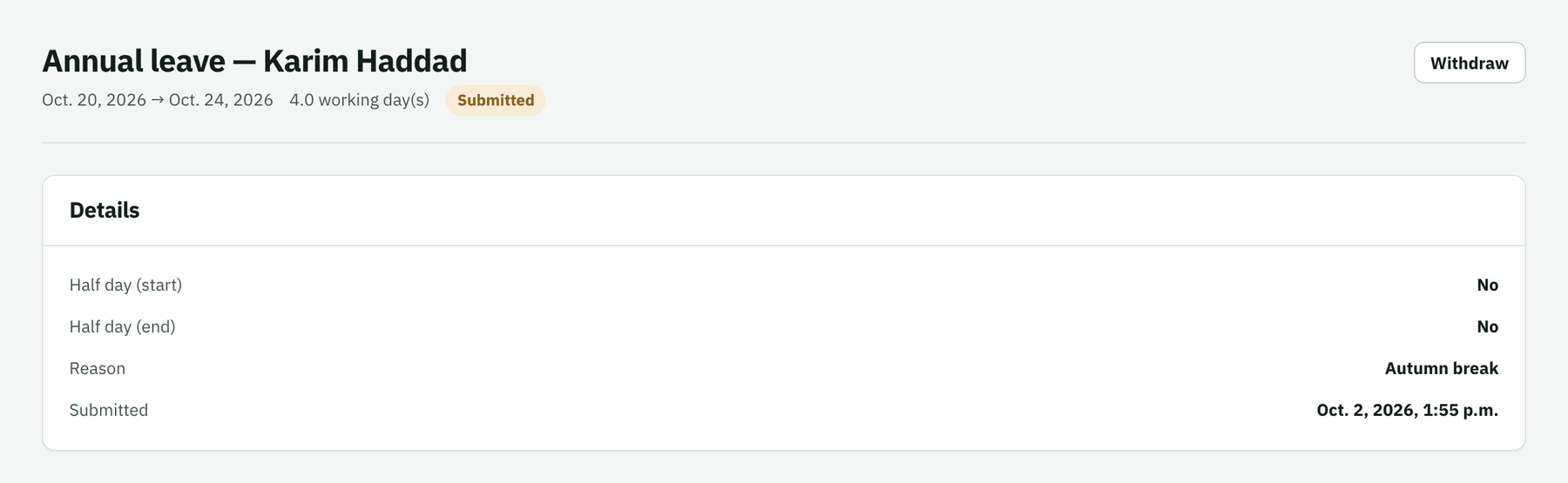
Approve or reject
The manager approves or rejects from the HR overview, the Approvals inbox or the request itself. Approved leave shows in Absences this week and reduces the balance.
Configure leave types
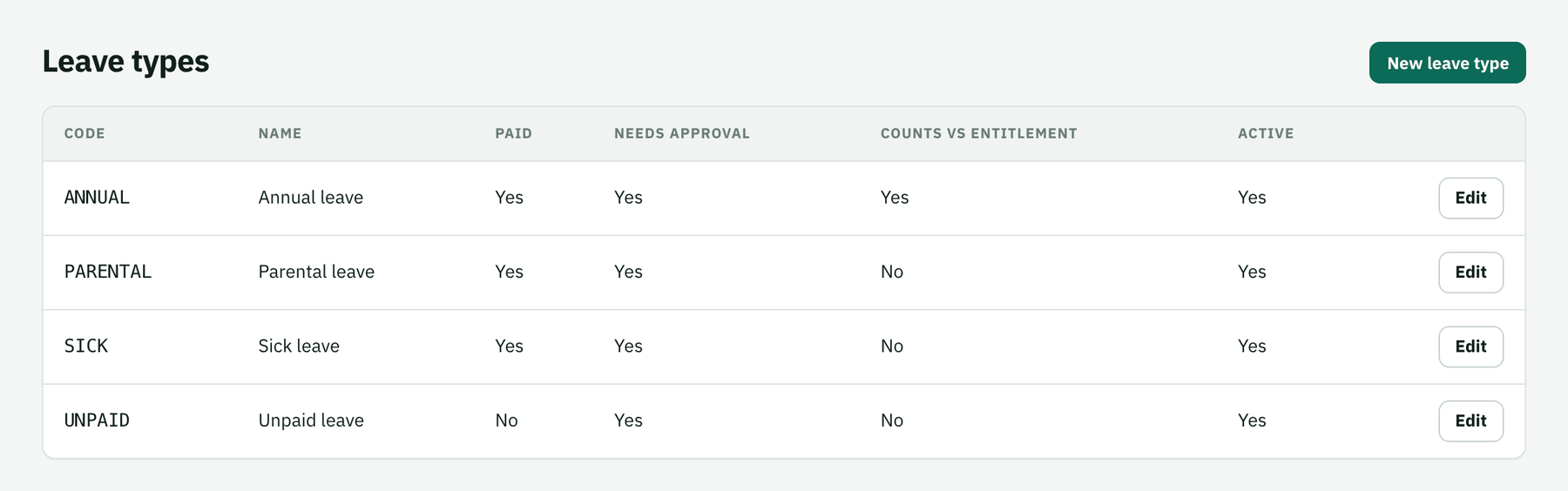
HR › Leave types defines annual, sick, parental, unpaid… and whether each one counts against the entitlement.