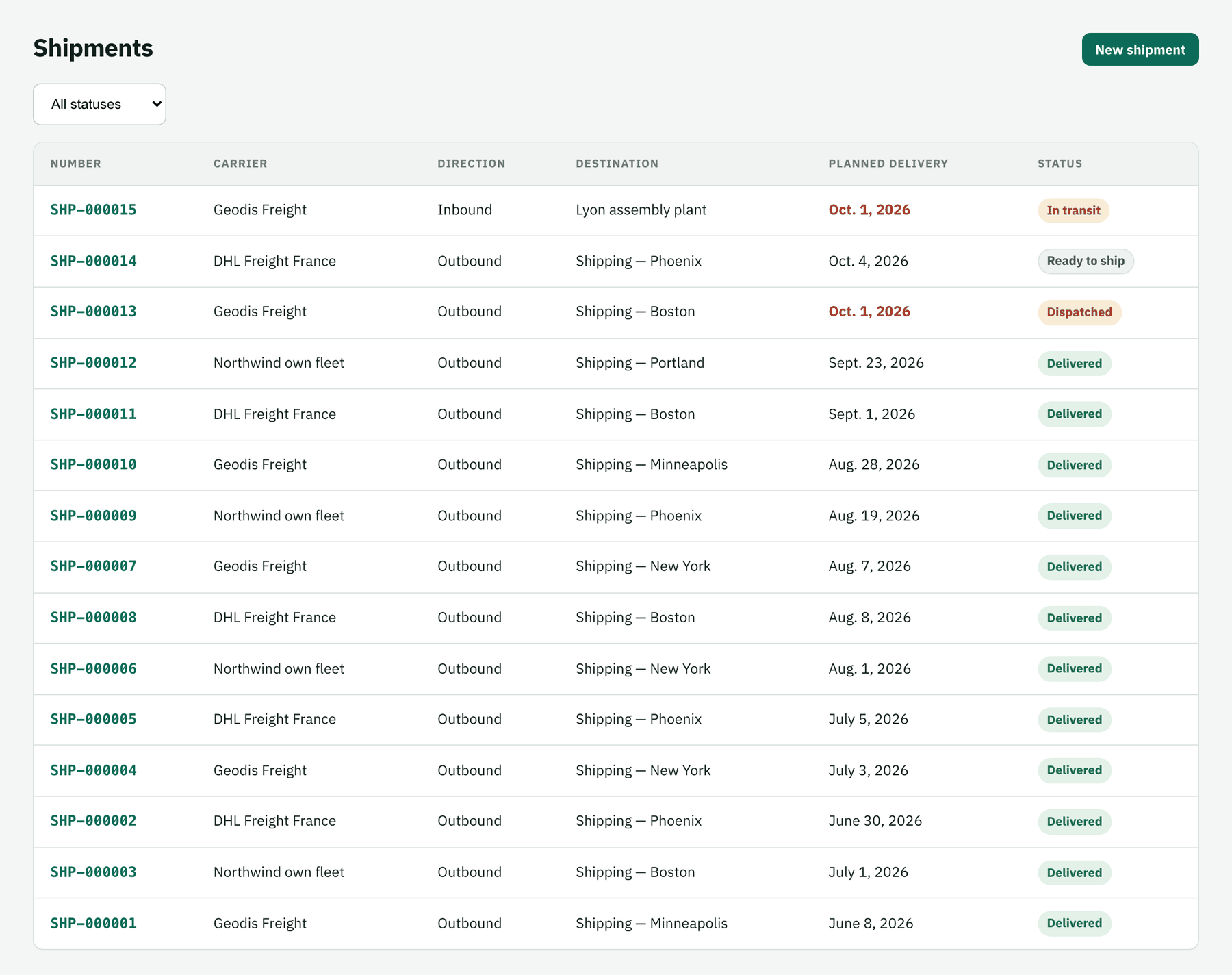
الشحنات
أنشئ شحنة من عملية تسليم مبيعات أو يدويًا، وجهّزها.
A shipment is one consignment handed to a carrier. Outbound shipments are usually created from a sales delivery; you can also create one by hand — for an inbound supplier delivery, a transfer or a sample.
- Where
- Logistics › Shipments, or Deliveries to ship on the overview
- Statuses
- Planned → Ready to ship → Dispatched → In transit → Delivered
Create it from a delivery
On the overview's Deliveries to ship tab, choose the carrier on the delivery's row and create the shipment. Origin, destination (the delivery's ship-to address) and contents come from the delivery.
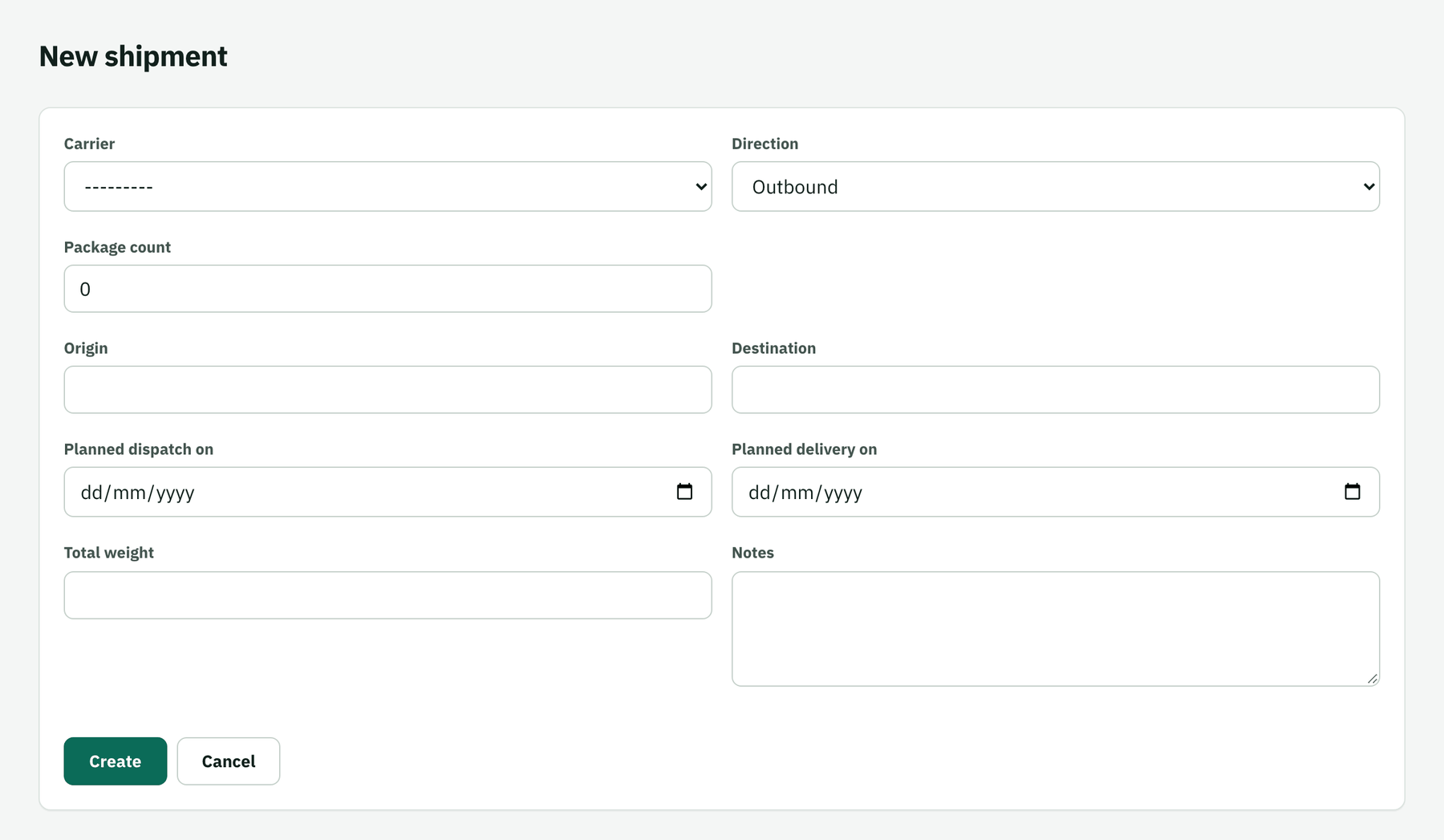
…or by hand
New shipment: carrier, direction, origin, destination, planned dispatch and delivery dates, notes. Then add the contents line by line (description, quantity, weight).
Prepare it
When the goods are packed, click Mark ready. The shipment moves to Ready to ship and shows in Leaving today on its dispatch date.
Find any shipment
The shipment list can be filtered by status; open any row for its full history.